Uninstallation
The Addon Repository does not remove its files automatically. To disconnect a repository, remove the workflow file and then the GitHub app.
What stays after the uninstallation
Removing the workflow file and the app only stops new deployments. Everything that was already deployed stays:
- the files of the last deployment stay on the CDN, and the codes of the addon keep linking them, so e-shops with the addon installed keep loading the last deployed version,
- the repository URL stays in the Codes tab of the addon detail, and the HTML code editors stay hidden – the field cannot be cleared in the administration.
If you want to manage the addon's codes in the administration again, or have the files removed from the CDN, contact your Partner Manager.
Remove the workflow file
In the repository where the app is installed, delete the workflow file that was added during the installation, and push the change:
git rm .github/workflows/shoptetAddon.workflow.yml
git commit -m "Remove Shoptet Addon Repository"
git push
Remove the GitHub app
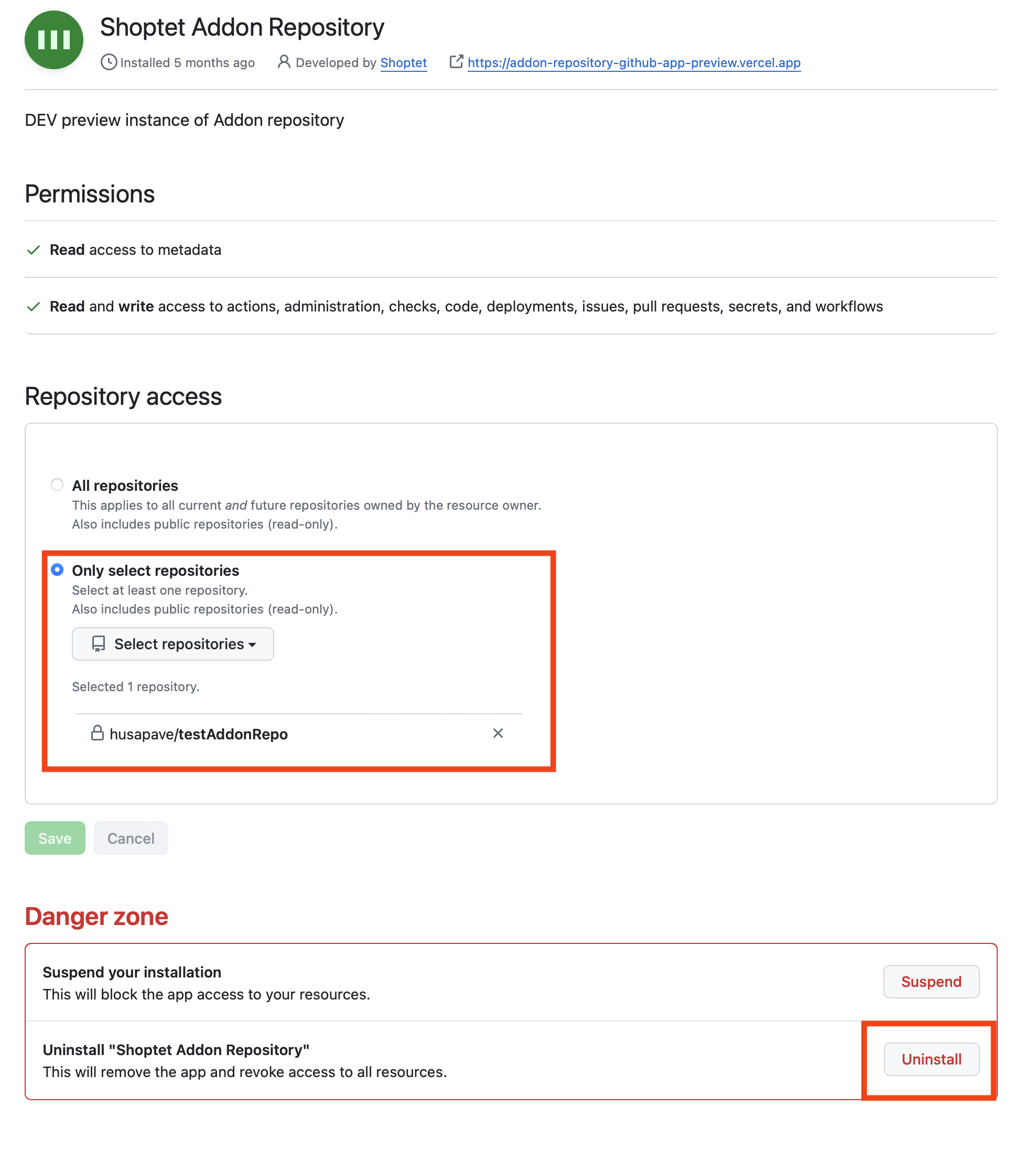
Go to the GitHub app settings and open Configure next to Shoptet Addon Repository. If the app is installed in an organization, go to the organization's settings, section GitHub Apps.
- The app is installed on selected repositories – in Repository access → Only select repositories, remove the repository and click Save.
- You want to remove the app from all repositories – click Uninstall in the Danger zone at the bottom of the page. This removes the app from all repositories, even if it was installed only on selected ones.